
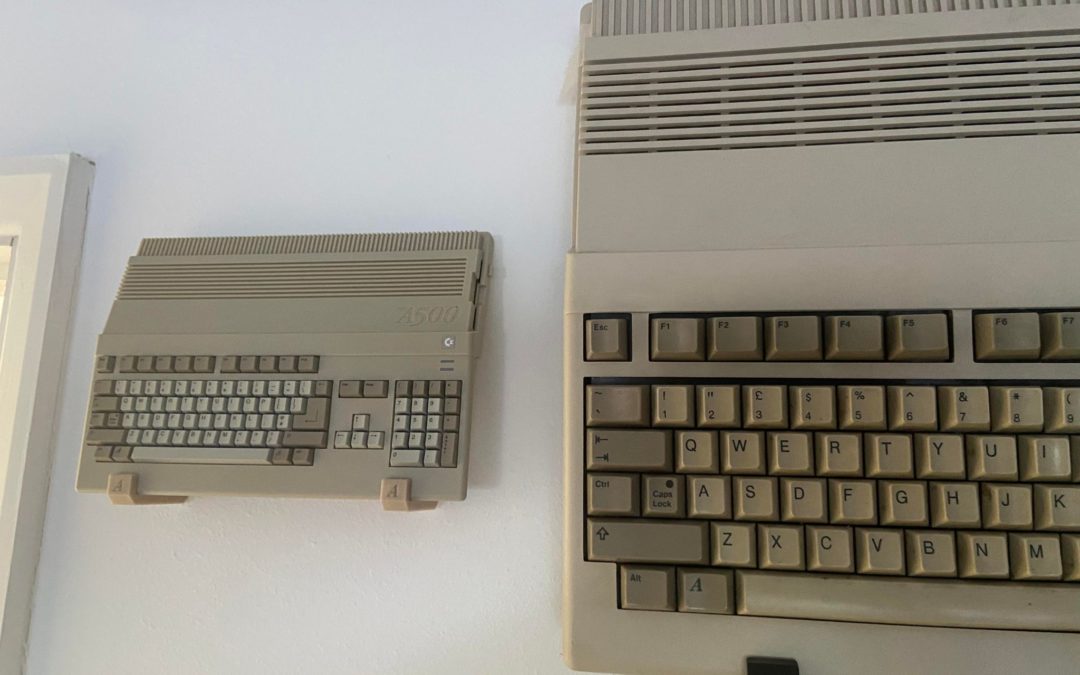
Whilst the A500 is a great machine, the lack of games and provided accessories have opened the flood gates for all that innovation with some truly epic software and accessories for the mini machine. If you’re an A500 mini owner and looking to make the most of the glorious mini then check out our top 6 accessories you NEED in your life.
Software
Some call them “hacks”, but that label barely scratches the surface. The real standout in this space is Amiga Game Selector, a project that has consistently shown just how far the A500 Mini community can push the little machine. We’re not just fans—we’re long‑standing, proud sponsors of AGS, and we’ve supported its journey because it represents the very best of what passionate creators can achieve.
AGS doesn’t just enhance the A500 Mini; it transforms it, offering a polished, powerful and endlessly enjoyable experience that every owner should explore. We’ve covered it extensively on the website, so be sure to check out the links below. It’s an essential part of getting the most from your A500 Mini, and we stand firmly behind it.
USB3 Drive
Unfortunately, the lack of usable storage on the mini for additional games and software makes having a USB drive a must. We recommend the SanDisk Fit USB Drives, they offer fast transfer speeds with USB 3 combined with a compact form factor. They are available in 16/32/64/128 and 256GB sizes making them ideal if you want to pack all of the above software onto one glorious drive. Note that the A500 mini does not support USB 3 but it makes transferring software / games to the drives much faster.
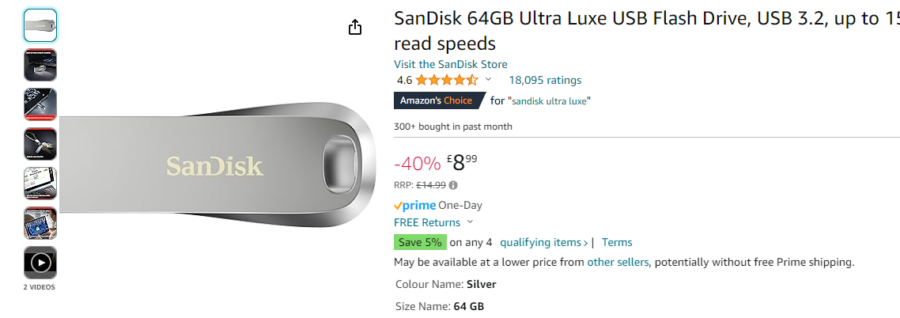
https://amzn.to/4bbr0p1
Just remember that the drive needs to be formatted using the FAT32 file system. By default, Windows will not let you do this so you may need to use an app called rufus to do this.
Check them out on Amazon – https://amzn.to/42cueVe
Bluetooth Dongle / Wireless Controller
The included pad with the mini is great but if you’re couch gaming the wires can get tiresome real quick, especially if you’ve got it mounted on the wall or on a TV cabinet. The wireless Bluetooth adapter from 8Bit Do is a great little dongle allowing a Bluetooth controller such as an Xbox One controller to be paired without the need for any complicated pairing through software (this isn’t actually possible on the A500 mini). Pairing is controlled using the button on the dongle, making it a breeze. Just get one – check them out on Amazon here – https://amzn.to/3OfsIfj – Paired with an Xbox Controller it’s amazing! –
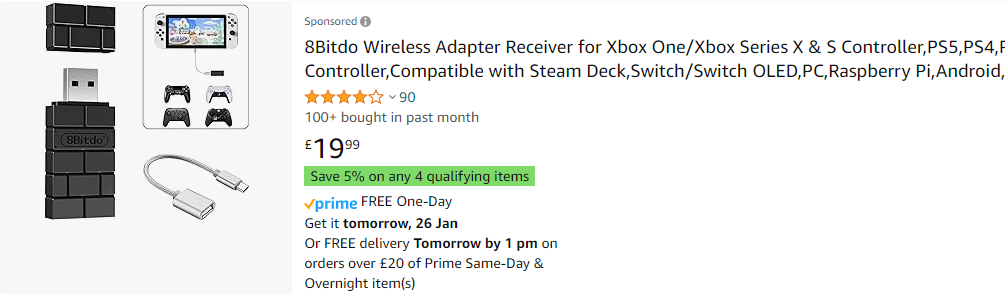
https://amzn.to/3OfsIfj
Wireless USB Keyboard and Mouse
https://amzn.to/48JoBAn
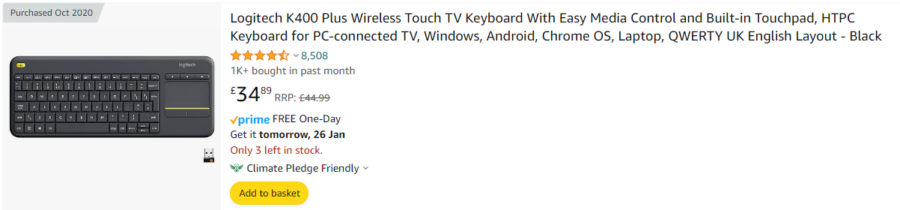
This is a no-brainer. Not only does the Logitech K400 offer the A500 mini a combined Bluetooth and mouse without the hassle of needing a desk setup, but it also does it through a single dongle / USB port. This makes way for other peripherals or drives for the mini. These keyboard and mouse combo units have proved to be very popular in the A500 mini community, quite rightly so. You can also use the on your media PC or any other device that has HID mouse / KB support. Check them out on Amazon – https://amzn.to/48JoBAn
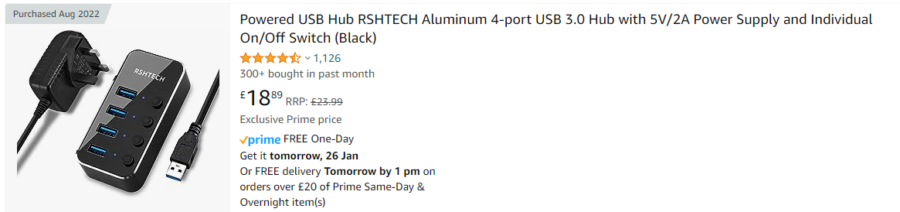
Powered USB HUB
If you’re using a keyboard, mouse, controllers and USB drive the three USB ports on the A500 mini just aren’t enough. Opting for a powered USB hub offered additional USB ports without the issues we’ve seen from their unpowered counterparts. Whilst unpowered USB hubs are supported, we’ve seen reported issues when using software such as Pandory500. These issues are quickly resolved using a powered device. Check them out on Amazon – https://amzn.to/4bdaDbq
https://amzn.to/4bdaDbq
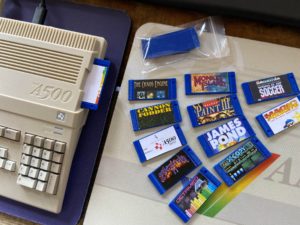
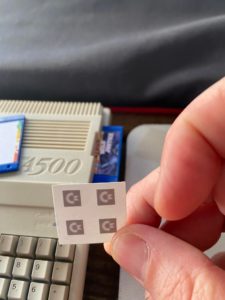
As you can see, there is a wide range of A500 mini accessories available from stores such as Amazon, here at Retro32 we also offer a wide range of accessories for the mini Amiga. These include Floppy disk inserts, Commodore logos, wall brackets and even an adapter to help you turn your A500 mini into a Maxi. Check them out using the link below
https://www.retro32.com/product-category/amiga/a500-mini-maxi
Other help
We’ve also put together an article covering the common issues with the A500 mini, click below
Let’s hear from you
What are your favourite accessories for the A500 mini? Let us know in the comments

just a quick note to say you have spelt AGS wrong, you have put ASG
How do you transfer files or games from the mini to the hard drive that goes with he mini ???
THEA500 Mini doesn’t have a hard drive. You transfer to the USB stick and then USE the USB stick as your storage medium! It’s plenty faster enough for retro games!
Thank you for the article! If I want to connect two Bluetooth controllers, I assume I need to buy two dongles?
With thanks,
3d print floppy diskreader for your usbstick. Awsome
I’ve just bought a mini usb stick for copying and running additional games, does the read speed on the USB stick need to be above a certain speed or does this not really matter?
Careful, this is not entirely correct.
First, the Logitech K400 only connects to its own included USB. This makes the 8Bitdo pointless since it is not needed.
Second, the Logitech K400 isn’t recognized by the A500 mini! It doesn’t work with it. Believe me, I tried.
After more testing, realised the keyboard works. The support just isn’t that great.